
Boxes: Complete Fleet Visibility
English text; the translation is pending.
What it is
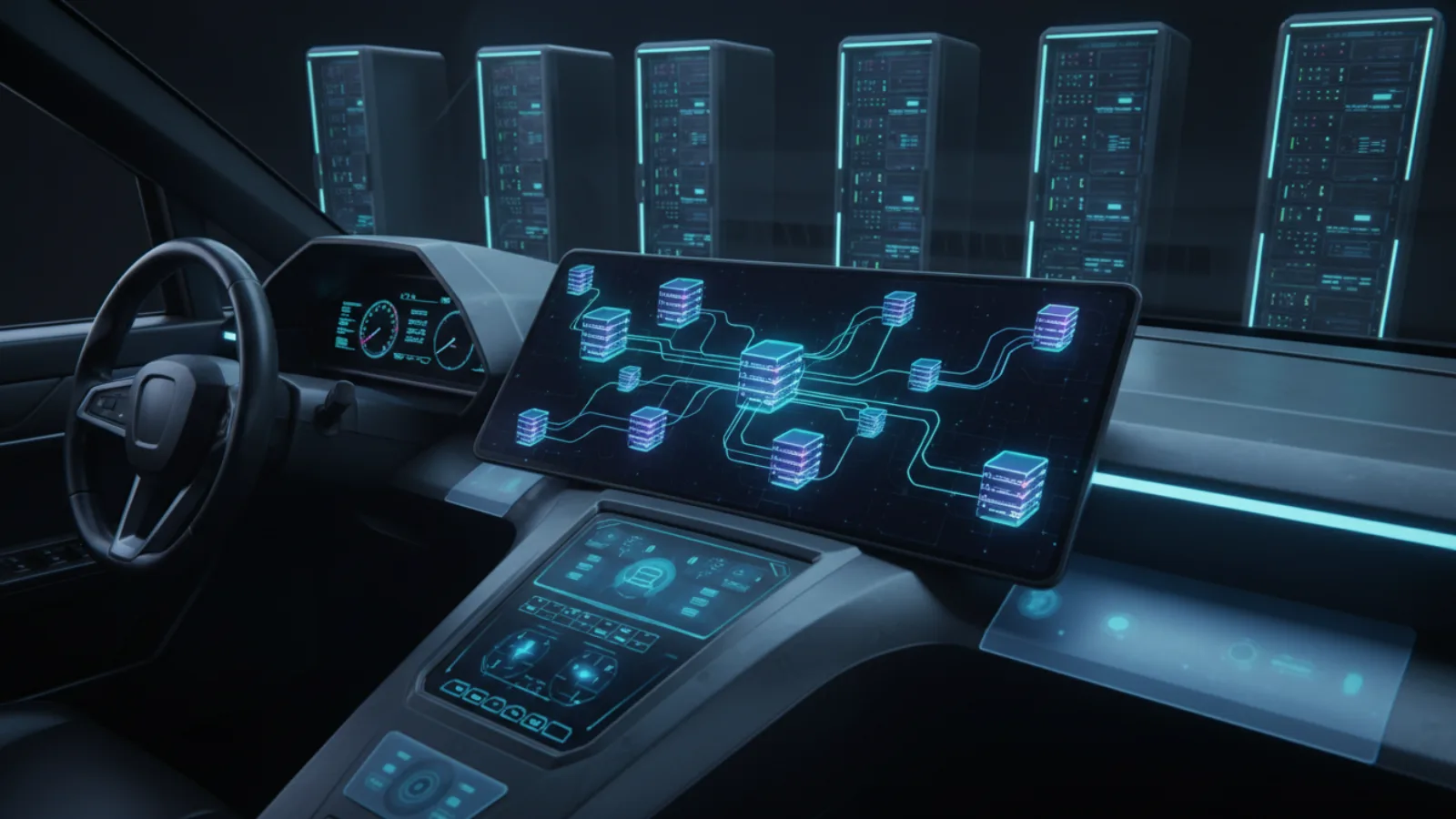
The Boxes section gives you a comprehensive view of all machines connected to your workspace. It displays the human users and autonomous agents seated on each box, along with live system resources, hardware details, and operating system information.
Why use it
Spool is built for many boxes, not one. The Boxes view allows you to scale your agent fleet with confidence. You can track CPU load, memory usage, and agent presence in real-time, ensuring optimal performance and helping you troubleshoot disconnected environments.
How to use it
- Click the Boxes icon in the left rail of the web UI.
- Browse the list to see which boxes are Online and Offline.
- Click a specific box to open its details. The middle pane shows its current state, including load bands and daily hardware snapshots.
- The right pane provides detailed statistics, such as a 24-hour load history, run-times installed, and network IP addresses.
The old way
Monitoring distributed agents required logging into individual machines, setting up external monitoring stacks, and manually cross-referencing hostnames to figure out where a specific agent was running.
The new way
Full fleet visibility is built directly into your workspace. Monitor hardware resources, configure load bands, and inspect agent activity across all your boxes from a single, unified interface.