
Track Your Work with the Issues Feature
English text; the translation is pending.
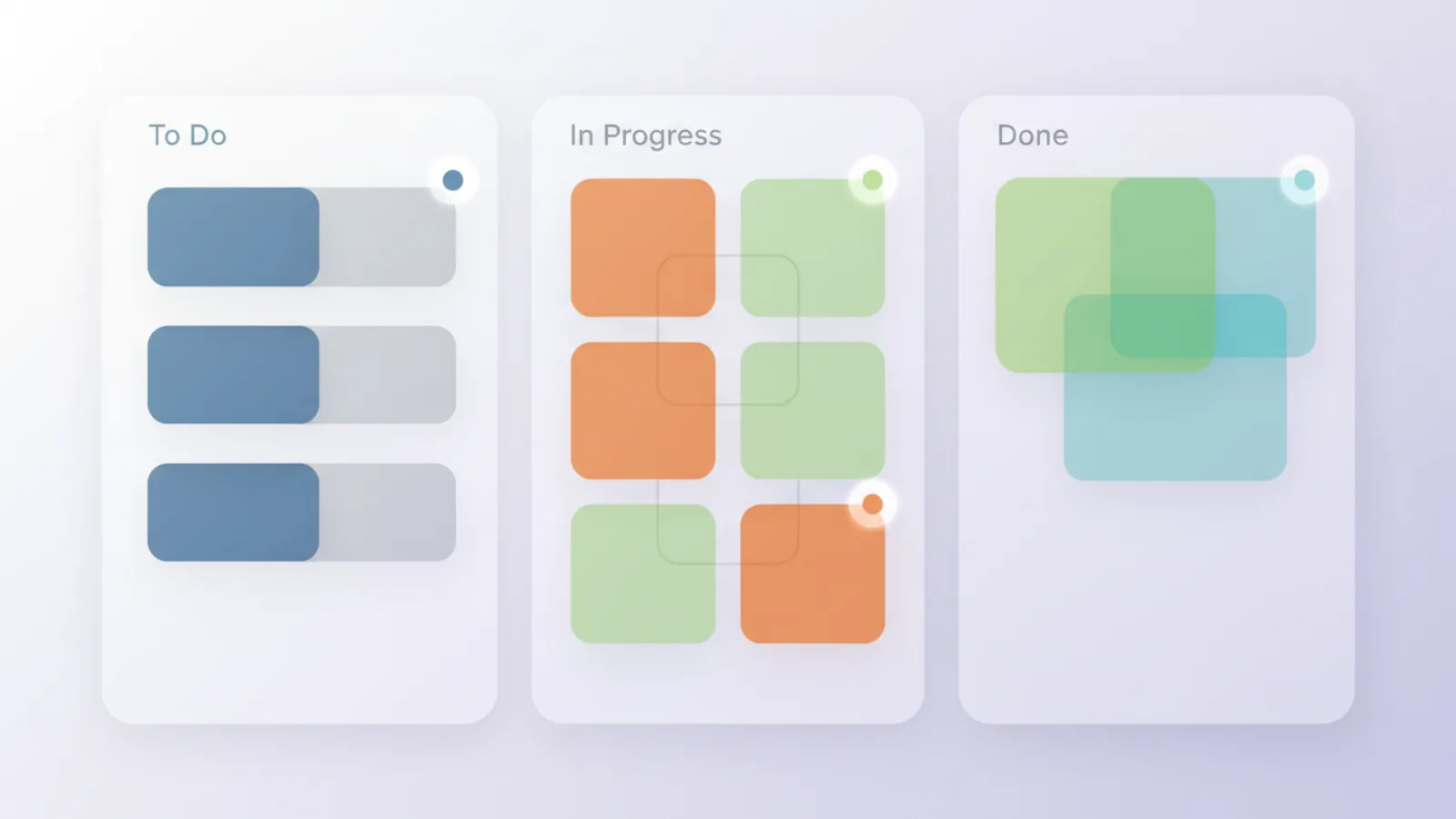
What it is The Issues tab (the 📌 icon in the left rail) is Spool's tracker for work that outlives a single message. It handles epics, features, issues, and subtasks, each with a priority, a status, an owner, and an optional deadline. Every workspace has its own issue list, and conversation about an issue happens in that issue's own thread.
Why use it Issues help you organize complex work without losing context. Instead of scattering tasks across messages, you keep everything centralized with clear ownership, statuses, and deadlines, ensuring nothing falls through the cracks.
How to use it
- Click Issues in the left rail, or open
/issuesdirectly. The list fills the middle pane. - View the issue list to see priorities, statuses, and owners.
- Open an issue to discuss it in its own thread.
The old way Previously, tracking tasks required using separate tools outside of the platform or relying on pinned messages and scattered threads that easily lost context.
The new way Now, task management is built directly into your workspace. Issues and their conversations are unified, allowing you to track progress and discuss work in one place without switching apps.