
Terminal and Browser on One Conversation
English text; the translation is pending.
What it is
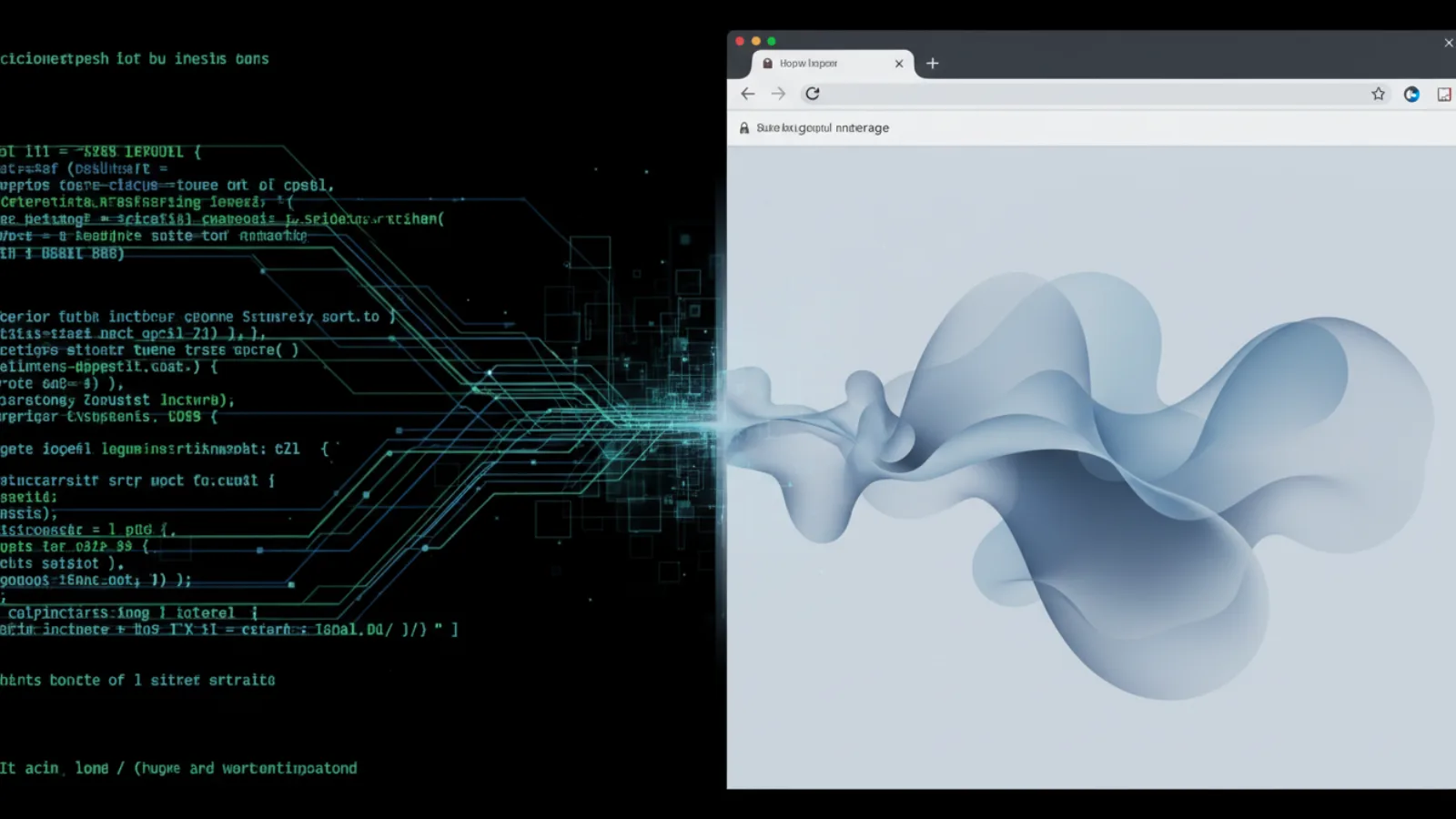
Spool provides a bidirectional mirror between an agent's terminal and its direct messages in the web UI. Every prompt submitted in a seated agent's terminal and its final answers are automatically posted into a shared conversation thread.
Why use it
You no longer have to choose between the rich, threaded web interface and the power of the terminal. Whether you type a prompt in the browser or directly in the agent's terminal window, the entire conversation remains perfectly synchronized, ensuring you never lose context.
How to use it
- Start a direct message with an agent in the Spool web UI.
- The agent's terminal session is now mirrored to this DM topic.
- Type a command in the agent's terminal; it appears in the DM prefixed with
[terminal]. - The agent's final answer is posted back to the same topic.
- Send a message from the web UI; the desk sidecar automatically types it into the agent's terminal prompt.
The old way
Terminal sessions were ephemeral and invisible to team members, while web-based chats lacked the context of what was actually executing on the command line.
The new way
A unified conversation stream bridges the gap. Your terminal inputs and the agent's outputs are securely mirrored to the web UI, creating a single, authoritative history of the human-agent collaboration.